
*View accurate shipping rates and availability






9 Items

Up to 70% off storewide, free metro shipping over $500, and free gifts from $800. Spend more to unlock luxury towels and mirrors.*
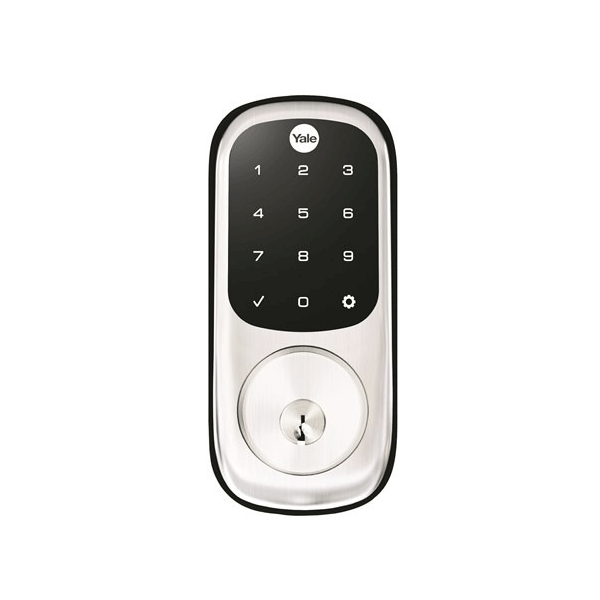

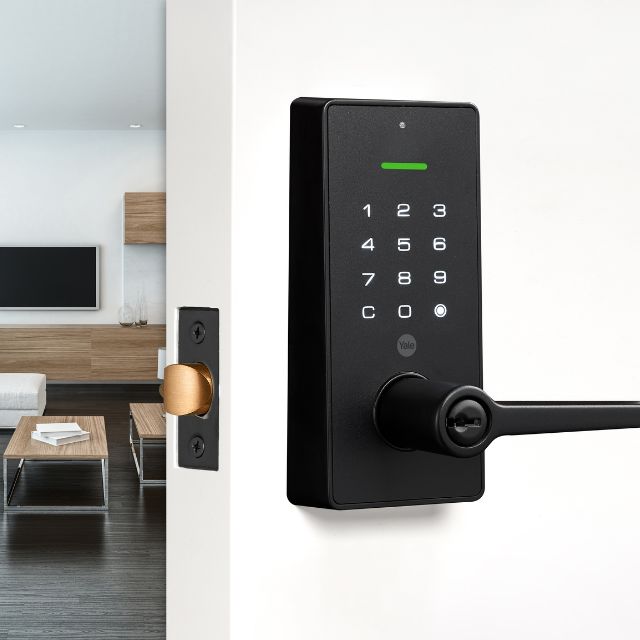
A digital door lock replaces the key with a code. You tap a PIN on a keypad, the bolt moves and the door opens. This collection holds Yale digital door locks for homes: the Libi digital lever and deadbolt, the Assure SL touchscreen deadbolt, and the Assure keyed deadbolt and lever, in matt black, satin nickel and satin chrome. Each keeps a mechanical key as a backup, so a flat battery does not lock you out. This guide explains how a digital lock works, how it differs from a smart lock with an app, how the Libi and Assure models compare, how to choose between a deadbolt and a lever, which door measurements decide fit, how to plan the codes and the power, and how to fit and look after the lock. For smart locks with apps and biometrics, see smart door locks and digital and smart entrance sets.
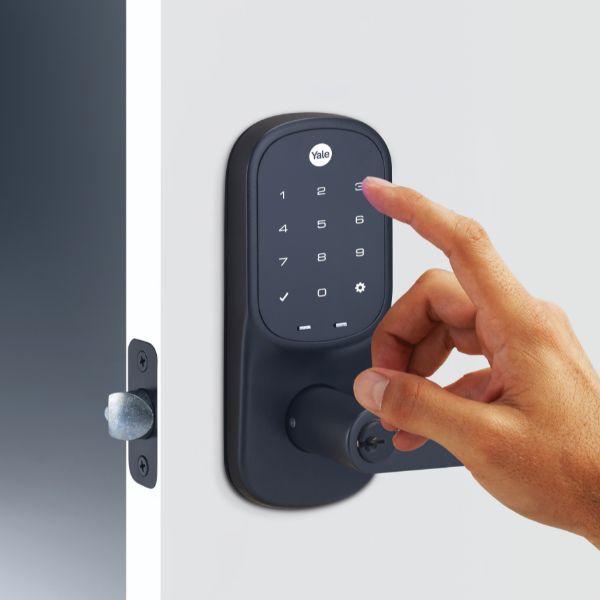
A digital lock is a keypad lock. The keypad sits on the outside of the door, and the lock body behind it holds a motor and a bolt. When you enter a correct code, the motor moves the bolt and the door unlocks. You lock it again by a tap on the keypad or, on some models, by an automatic timer.
It removes the daily key. You do not carry one, you cannot lose it and you do not copy it for visitors. You give out a code instead, and you can change or cancel the code at any time. A mechanical key stays in the design as a backup, so the door can still be opened if the power fails.
A digital lock works with a code on the keypad alone. A smart lock adds a connection to a phone app, a bridge or a home system. The Libi is a digital lock in the simple sense: it gives secure access with PIN codes and traditional keys, with no smartphone connection required. The Assure models come with a Yale Home Bluetooth module, so they work with the Yale Home app as well as the keypad.
If you want a lock that does one job without an app, the Libi suits. If you want to share codes by phone, see who used the door and link to a home system, the Assure suits. Both are in this collection.
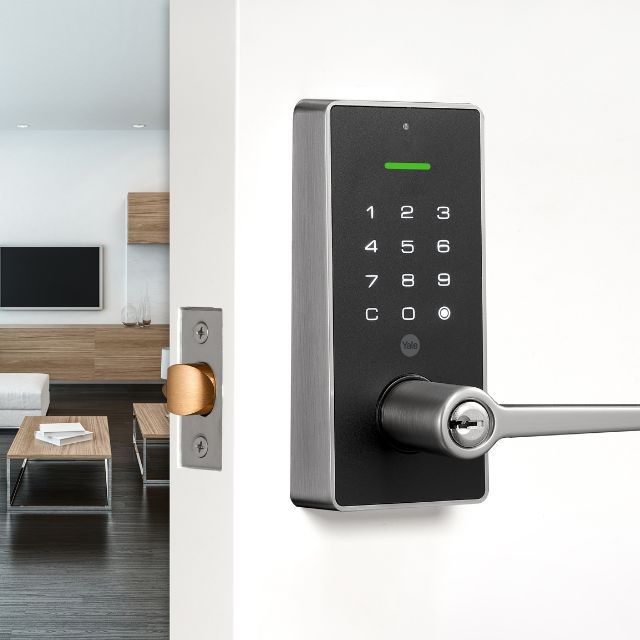
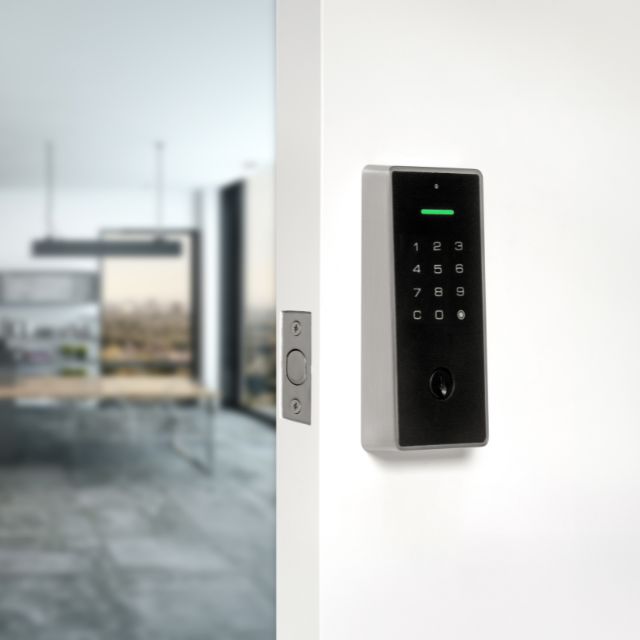
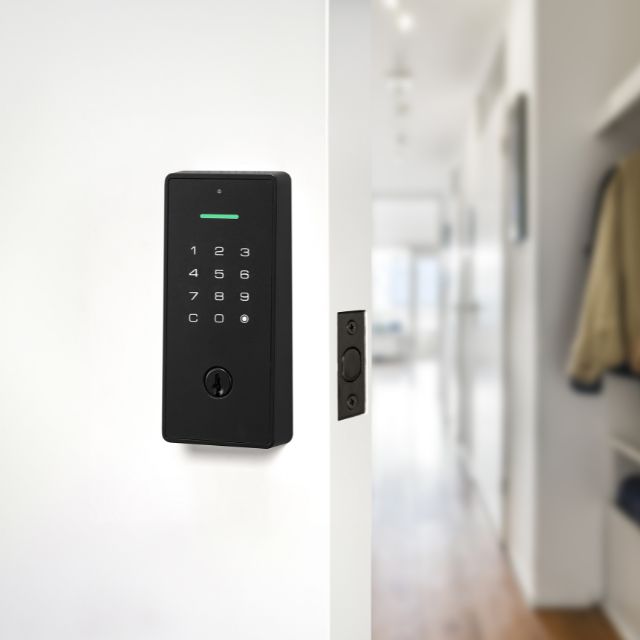
The Libi is the straightforward digital option. It is a practical choice for someone moving away from traditional keys who still wants a simple, high quality solution. It is designed to fit a standard 54mm bore hole, so it replaces an existing deadbolt without power tools.
It has a touchscreen keypad. You enter your PIN to unlock and tap the keypad to lock. A backlit LED and a proximity sensor wake the keypad as you approach. You can create up to 70 unique PIN codes and 5 one-time user codes, adjust the lock settings and set an auto-lock, which locks the door after a set period. There is a mechanical key override if the battery goes flat. The lock suits doors 35 to 45mm thick, and the latch adjusts to a 60mm or 70mm backset. It uses a C4 keyway. It comes as a digital deadbolt and as a digital lever, in matte black and satin nickel.
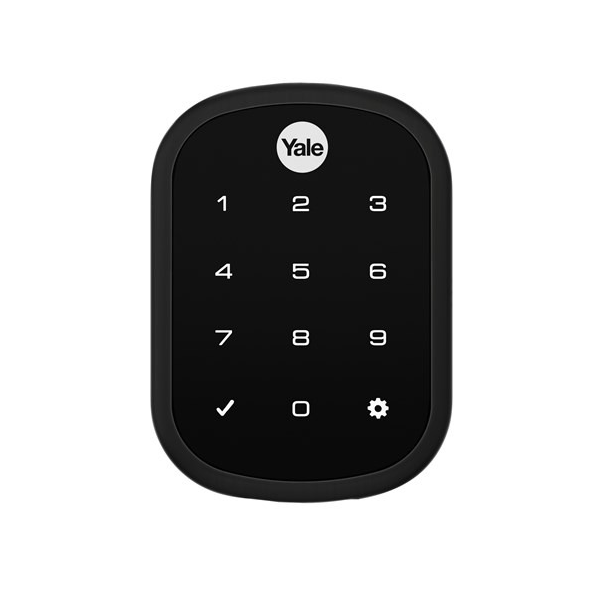
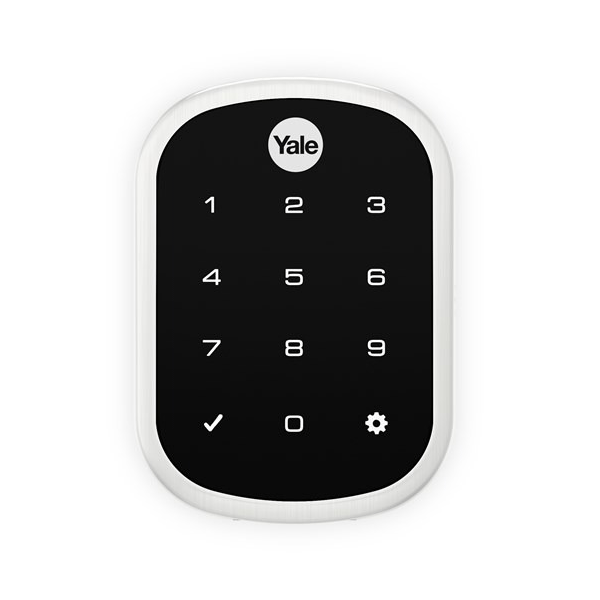
The Assure SL is a touchscreen deadbolt for fully key-free use. It has a sleek touchscreen keypad and the convenience of 100% key-free unlocking. It comes with a Yale Home Bluetooth module for the smart features, a Door Sense sensor that checks whether the door is closed, four AA batteries and a plastic gasket. It can be upgraded with a Yale network module, available in Z-Wave Plus and ZigBee and sold separately, to link with most home automation systems.
You create unique PIN codes to share with family and friends. The Assure SL is offered in matt black and satin chrome. Because it has no key cylinder, it suits a household that wants to leave keys behind completely. Plan the power and the backup route, since there is no mechanical key to fall back on.
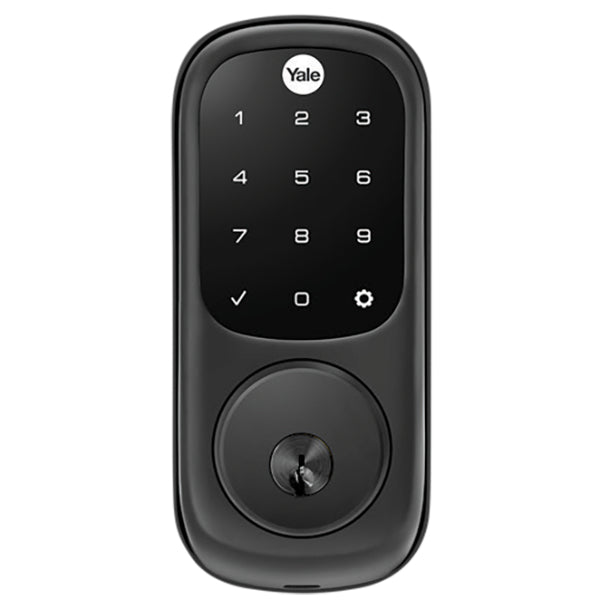
The Assure keyed deadbolt adds a key cylinder to the touchscreen. It has a backlit touchscreen keypad, an automatic re-lock function that locks the door after a set time once the latch is retracted, and a Yale Home Bluetooth module. It has an adjustable 60 to 70mm backset, suits doors 35 to 50mm thick and a 54mm hole. It needs a door lever, knob or pull handle with a roller bolt to keep the door closed when the lock is unlocked.
The Assure keyed lever replaces the handle and the lock together. It has a C4 keyway that allows keyed-alike customisation, and it can be upgraded with a Z-Wave Plus or ZigBee module. The lever suits a door where you want one product in place of a handle and a deadbolt. See deadbolts for other deadbolts.
A deadbolt locks the door with a bolt but does not latch it. You still need a handle to pull the door shut. A lever combines the handle and the lock, and it latches as well. The Libi and Assure ranges offer both.
Choose a deadbolt when the door already has a good handle and you want to add or replace the lock. Choose a lever when you are replacing the handle and the lock together, or when the door has a single hole. If the door has two holes, a handle and a deadbolt, a deadbolt swap is the simpler path.
Codes are the main benefit of a digital lock, and a little planning helps. Give each adult a personal code. Give a cleaner, a tradesperson or a visitor a separate code, so you can cancel it without changing the rest. The Libi lists one-time user codes for a single use, which suits a delivery or a viewing.
Keep a written list of who has which code. Remove a code when someone leaves the household or the job ends. Choose codes that are not easy to guess, avoid birth years and repeated digits, and change them from time to time.
Digital locks run on batteries. The Assure SL takes four AA batteries. When the batteries run low, the lock warns you, and you replace them. The Libi, the Assure keyed deadbolt and the Assure keyed lever have a mechanical key override, so a flat battery does not lock you out. The Assure SL has no key cylinder, so keep the batteries fresh.
Make replacing the batteries a routine, for example when you change smoke alarm batteries. Keep a spare set in the house, and keep the override key somewhere safe but away from the door.
Every model has its own needs. The Libi suits doors 35 to 45mm thick, a 54mm bore and a 60 or 70mm backset. The Assure keyed deadbolt suits 35 to 50mm, a 54mm hole and a 60 to 70mm adjustable backset. Measure the thickness of the door edge, the diameter of the large hole and the distance from the edge to the centre. Compare each with the product page.
If the door has a standard deadbolt on a 54mm hole, the Libi or Assure is a straight swap. If the door has a smaller hole or no hole, a joiner can prepare it.
A digital lock is only one part of door security. The door, the frame, the hinges and the strike plate matter as well. A strong lock in a weak frame does not secure the door. Check the frame and the hinges when you fit the lock. See hinges for door hinges.
The lock sits with a handle, a pull or a lever, and with the hinges and house numbers. Choose a finish that agrees. The Libi in matte black suits a black handle set and black window frames. The Libi in satin nickel and the Assure SL in satin chrome suit stainless steel and chrome fittings. If the door already has a handle you like, a deadbolt swap keeps it. If you want a new look, a digital lever replaces the handle and lock together.
See entry door lock sets for entrance sets from other makers, and door stops for stops in matching finishes.
Many searches for digital locks ask for a system for a business, a supplier near a town or a fitting service. This collection holds keypad locks for homes. It does not hold access control systems for businesses, and it does not include installation. If you need a fitted lock, ask a locksmith or a carpenter.
For a simple keypad lock with a key backup and no app, choose the Yale Libi, as a deadbolt for an existing handle or a lever to replace both. For an app and home system, choose the Assure SL if you want to go fully key free, or the Assure keyed deadbolt or lever if you want a key as well.
Measure the door, plan the codes and the batteries, and fit the lock to a sound frame. Then the door will open with a tap and stay secure.
It is a keypad lock that opens with a PIN code. Most keep a mechanical key as a backup.
No. It gives access with PIN codes and traditional keys, with no smartphone connection required.
It holds up to 70 unique PIN codes and 5 one-time user codes.
The Libi and the Assure keyed models have a mechanical key override. The Assure SL has no key cylinder, so keep its batteries fresh.
The Libi suits 35 to 45mm and the Assure keyed deadbolt 35 to 50mm.


